
Spreadsheet vs. Budgeting App: Which Actually Helps You More?

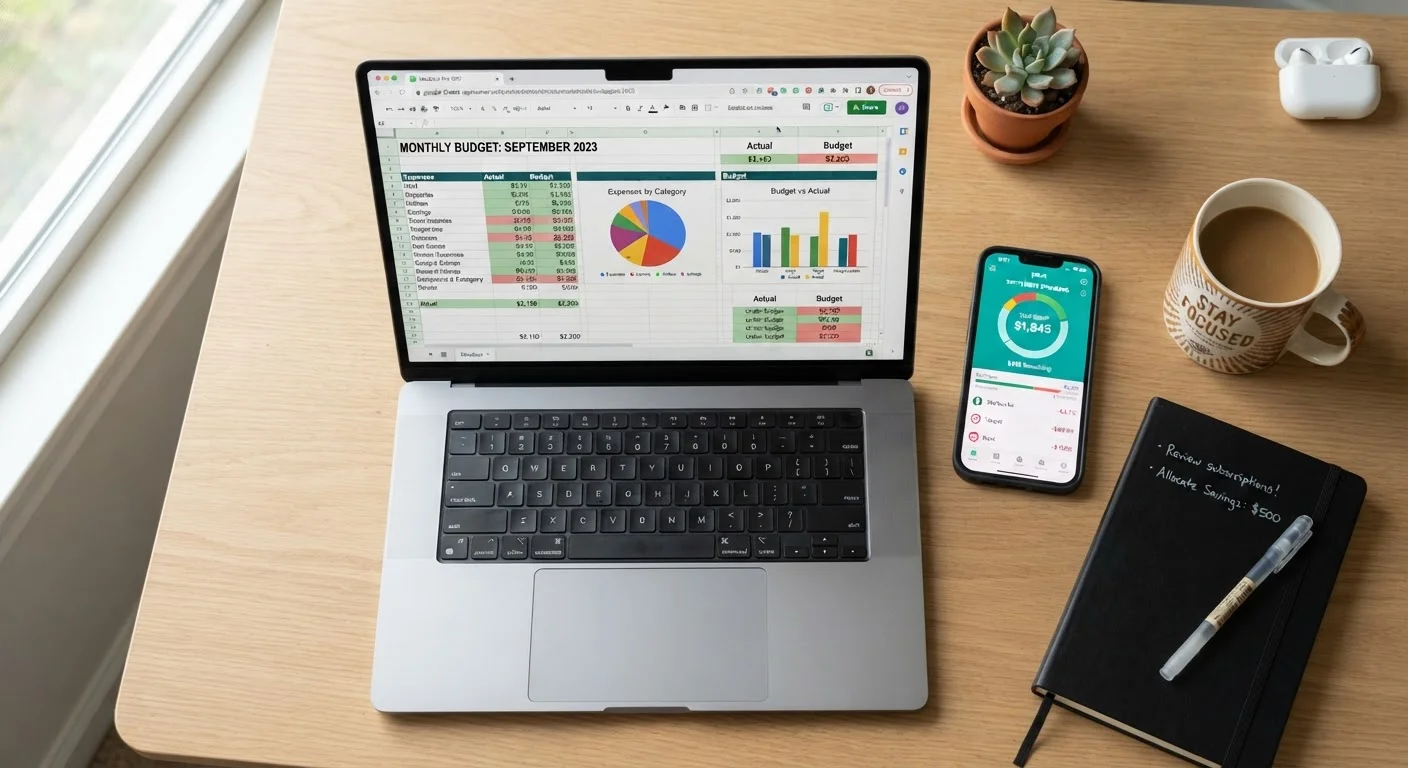
Photo: ResultsExplorer.com | Top Blogs For Everyone editorial
Key Takeaways
- Spreadsheets offer full customization but require manual data entry and setup time.
- Budgeting apps automate transaction tracking but may have privacy trade-offs.
- Neither tool is universally superior — the right choice depends on your habits and goals.
- Beginners often benefit from starting with a simple spreadsheet before exploring apps.
- Consistency matters more than the tool you choose.
The Core Difference: Control vs. Convenience
When it comes to managing a monthly budget, most people gravitate toward one of two tools: a spreadsheet (like Google Sheets or Excel) or a dedicated budgeting app. Both serve the same fundamental purpose — helping you understand what comes in, what goes out, and where you stand — but they take very different approaches to getting there.
A spreadsheet is essentially a blank canvas. You build the structure yourself, decide which categories matter, and enter your numbers manually. That hands-on process can actually deepen your awareness of spending patterns. A budgeting app, by contrast, typically connects directly to your bank accounts and credit cards, pulling in transactions automatically and categorizing them for you.
Neither approach is wrong. The question is which friction works for you. Some people find manual entry tedious and skip it; others find app-linked accounts too passive and lose touch with the details. See our balanced look at what detailed budgeting really involves for broader context on this trade-off.
Spreadsheets: Strengths and Limitations
Spreadsheets shine when you want complete ownership over your budget structure. You can build a system tailored to irregular income, multiple savings goals, or unusual expense categories that apps may lump together awkwardly. There's no subscription fee, no third-party data sharing, and no algorithm deciding how to categorize your spending.
The main limitation is upkeep. A spreadsheet only reflects what you put into it. If you go two weeks without logging expenses, you've lost visibility into that period. It also requires a baseline comfort with formulas and formatting — though pre-built budget templates (freely available through Google Sheets and Microsoft Excel) lower that barrier considerably.
Start Simple, Then Refine
If you're starting from scratch, the monthly budget setup checklist can help you gather your numbers and build your first budget structure, whether you're using a spreadsheet or an app.
Budgeting Apps: Strengths and Limitations
Budgeting apps automate the most tedious part of budgeting: recording transactions. Once connected to your accounts, they import and categorize spending in near real-time, making it easy to see at a glance whether you're on track. Many apps also send alerts when you're approaching a category limit — a feature that's genuinely useful for people who tend to overspend in specific areas like dining or entertainment.
The trade-offs are worth understanding. Most apps require you to share your bank login credentials or use a financial data aggregator, which raises legitimate privacy and security questions. Some apps operate on a subscription model. And automated categorization isn't always accurate — a hardware store purchase might get labeled as "home improvement" when it was actually a plumbing repair, affecting how you read your own data.
| Spreadsheet | Budgeting App | |
|---|---|---|
| Setup effort | Moderate — build or adapt a template | Low — connect accounts and go |
| Customization | High — fully flexible | Limited — predefined categories |
| Automation | None — manual entry required | High — auto-imports transactions |
| Cost | Free (Google Sheets) or included with Office | Free tier or subscription fee |
| Privacy | No data sharing with third parties | Requires bank account linking |
| Best for | Detail-oriented, hands-on budgeters | Those wanting quick, automated tracking |
Beginners who want a fuller picture of spending-tracking methods — beyond just apps and spreadsheets — can explore practical ways to track every dollar you spend, including pen-and-paper approaches.
Which One Actually Helps You More?
The honest answer: the tool you'll actually use consistently. A sophisticated budgeting app that you abandon after two weeks helps less than a simple spreadsheet you update every Sunday morning. Research in personal finance education consistently points to engagement — not the tool itself — as the driver of better financial outcomes.
That said, a few patterns are worth noting. People with variable income often find spreadsheets easier to adapt to irregular cash flow. People who struggle with impulse spending often find app alerts more effective than any manual system. And people managing finances jointly with a partner may find app-based shared views more practical than a shared spreadsheet.
Also consider your comfort with technology and privacy concerns. If linking financial accounts to a third-party app feels uncomfortable, a spreadsheet is a completely valid alternative — not a lesser choice. You might also find it worthwhile to review spending categories that beginners consistently underestimate, since both tools are only as useful as the categories you track.
This article is for general informational and educational purposes only and does not constitute personalized financial advice. For guidance specific to your situation, consider consulting a qualified financial professional.
The content provided on our blog site traverses numerous categories, offering readers valuable and practical information. Readers can use the editorial team’s research and data to gain more insights into their topics of interest. However, they are requested not to treat the articles as conclusive. The website team cannot be held responsible for differences in data or inaccuracies found across other platforms. Please also note that the site might also miss out on various schemes and offers available that the readers may find more beneficial than the ones we cover.